 SliTaz Forum
You are not logged in.
Pages: 1
I just finished work, a lot of work with the project slitaz-tools. I do not remember anymore when it started 
Frankly, I'm tired and I want to make a break. Most of the code is debugged and working properly. For sure, there were minor errors and silly mistakes. The code is not perfect. But I'll do it later, and for now I'll make up for lost on other fronts.
Today I want to show you a pictures. Without going into details of code, just to show what has changed in appearance.
Let's go!
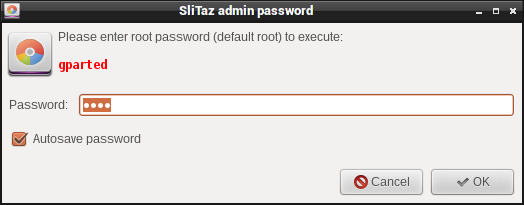
Run gparted from Applications menu
—
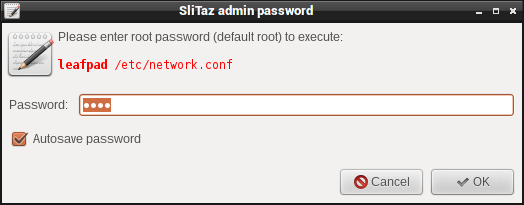
Run in terminal: [c]tazbox su leafpad /etc/network.conf[/c]
—
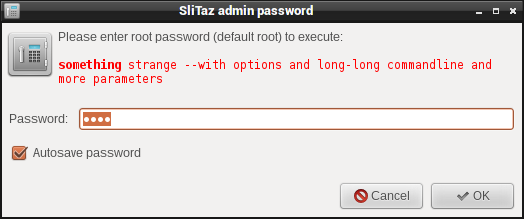
Some weird and long command, default icon, red monospace font with first word in bold
—
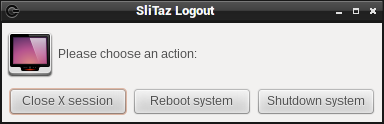
Single-click Logout dialog: [c]tazbox logout[/c]
—
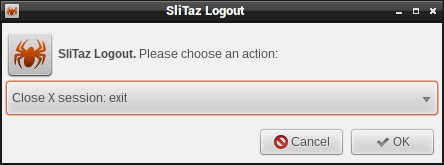
For those who prefer the old, triple-click, version: [c]tazbox logout --oldstyle[/c]
—
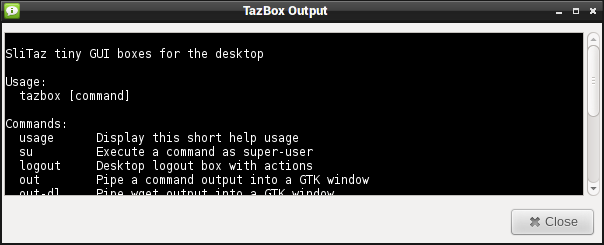
Out command: [c]tazbox usage | tazbox out[/c]
—
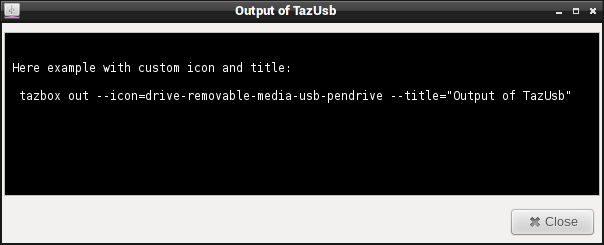
Add custom icon and/or title to [c]out[/c] dialog.
—
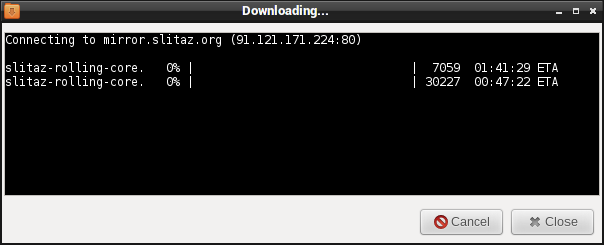
Other syntax, download file: [c]tazbox out-dl http://mirror.slitaz.org/iso/rolling/slitaz-rolling-core.iso[/c]
—
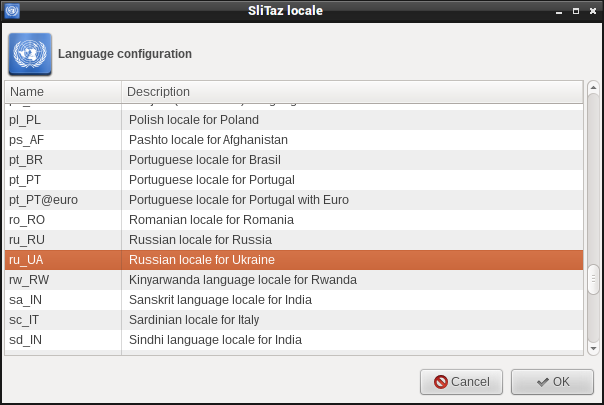
Select system locale: [c]tazbox locale[/c]
—
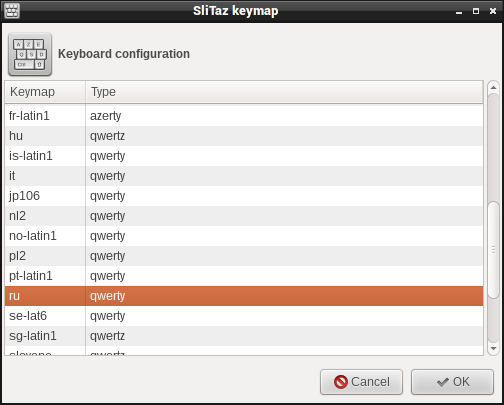
Select keyboard map/layout: [c]tazbox keymap[/c]
—
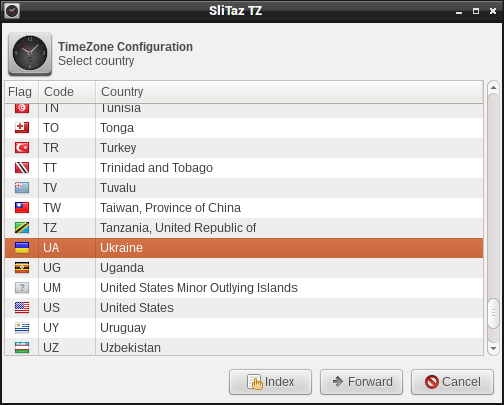
First step of selecting your Time zone: select your country: [c]tazbox tz[/c]
—
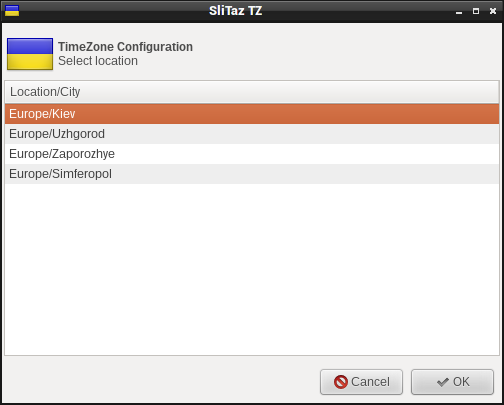
Only if your country provides several time zones, you will see this dialog, where you can select your closest city/location.
—
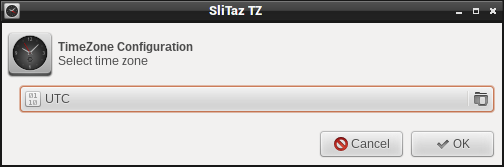
Or, maybe you want to manually select your Time Zone file?
—
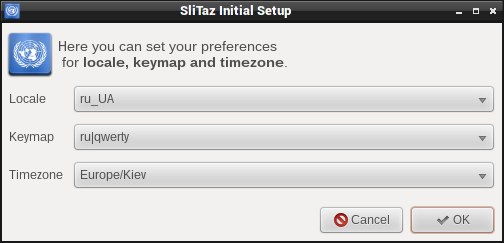
All-in-one settings. But... Really not handy if you have full locale package installed: select from 269 locales, 32 keyboard layouts, and 1698 (!) time zone entries.
—
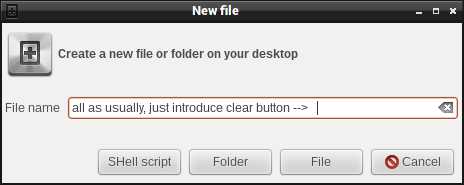
Create on Desktop: [c]tazbox new-file[/c]. The really rarely used.
—
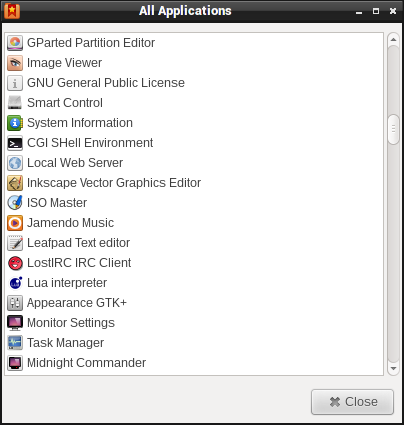
Hmm... [c]tazbox all-apps[/c]
—

Just notify: [c]tazbox notify[/c] (useless)
With text: [c]tazbox notify "Text here"[/c]
With icon customized: [c]tazbox notify "Text here" icon-name[/c]
With timeout customized: [c]tazbox notify "Text here" icon-name 10[/c]
—
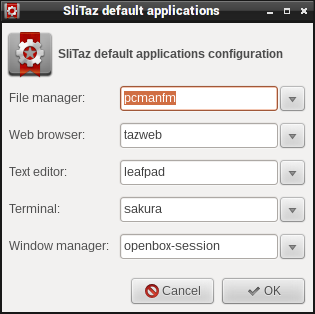
Select your preferred applications from list or type the names of apps.
—
Offline
Looks great.
Thank you for your work.
Offline
Aleksej, it seems to be very nice! Good work! 
Offline
I love the single-click logout dialog! This is a must-have.
Offline
Pages: 1
[ Generated in 0.016 seconds, 7 queries executed - Memory usage: 1.54 MiB (Peak: 1.77 MiB) ]